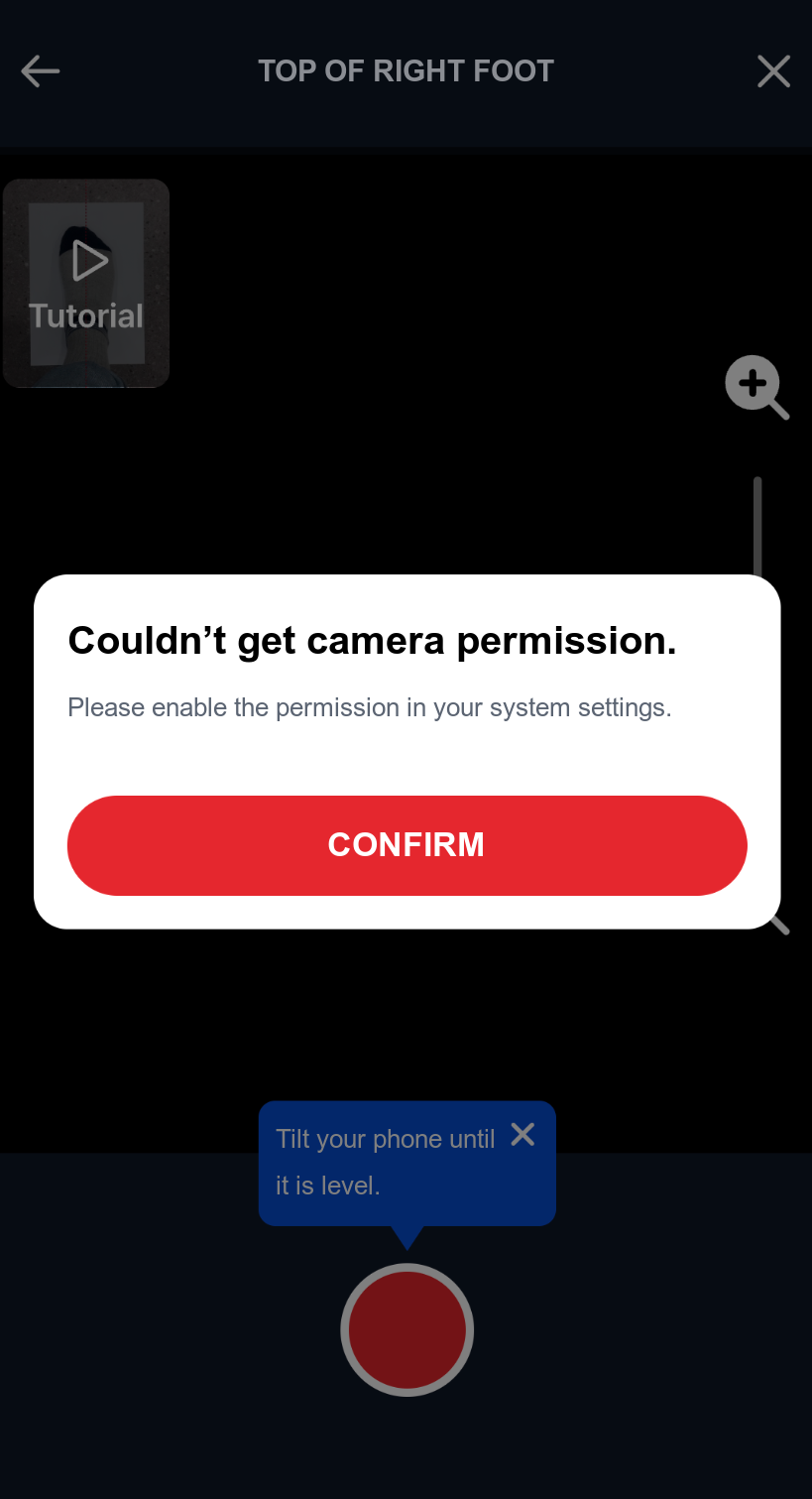
Solutions for Camera Permission Issues
If you encounter the above error, please follow these 3 steps.
Add Camera Permission to AndroidManifest.xml
Add the following code between the manifest tags in your app/src/main/AndroidManifest.xml file
AndroidManifest.xml<manifest> <!-- omitted --> <uses-permission android:name="android.permission.CAMERA" /> <uses-feature android:name="android.hardware.camera" android:required="true" /> <!-- omitted --> </manifest>Show Camera Permission Request Popup Before Running Perfitt
Add the following camera permission code to your MainActivity.kt
MainActivity.ktval cameraPermissionCheck = ContextCompat.checkSelfPermission( this@MainActivity, android.Manifest.permission.CAMERA ) if (cameraPermissionCheck != PackageManager.PERMISSION_GRANTED) { // If permission is not granted ActivityCompat.requestPermissions( this, arrayOf(android.Manifest.permission.CAMERA), 1000 ) }Forward WebView Permission Requests
Override the onPermissionRequest function in webChromeClient.
MainActivity.ktval webView: WebView = findViewById(R.id.test_webview) // omitted webView.webChromeClient = object : WebChromeClient() { override fun onPermissionRequest(request: PermissionRequest?) { request?.grant(request.resources) } }
(Optional) Request Camera Permission Only When Needed
If you want to request camera permission only when the Perfitt button is clicked, instead of at app launch, follow these steps.
Move the camera permission check code from MainActivity to a
WebAppInterfaceCreate a JavaScript interface code to communicate with the WebView (delete the code inside MainActivity)
WebAppInterface.ktclass WebAppInterface(private val mainActivity: MainActivity) { @JavascriptInterface fun checkPermission() { val cameraPermissionCheck = ContextCompat.checkSelfPermission( mainActivity, android.Manifest.permission.CAMERA ) if (cameraPermissionCheck != PackageManager.PERMISSION_GRANTED) { // If permission is not granted ActivityCompat.requestPermissions( mainActivity, arrayOf(android.Manifest.permission.CAMERA), 1000 ) } } }Add JavaScript Interface to WebView
Add the JavascriptInterface to the WebView and pass mainActivity as an argument when creating WebAppInterface.
MainActivity.ktwebView.addJavascriptInterface(WebAppInterface(this), "PerfittJsAndroidInterface")
For an iOS app WebView
In Safari on iOS nothing extra is needed. Only when embedding Perfitt in a WKWebView inside an app, check the two points below.
Add NSCameraUsageDescription to Info.plist, and on iOS 15 and later answer the WKUIDelegate media capture permission request with grant so the camera can start inside the WebView.
During the side-view capture Perfitt uses the phone's tilt to guide the shooting angle. Safari asks directly with a "Motion & Orientation Access" prompt, but in a WebView Perfitt hands the request to the app through the perfittMotionPermission message handler. If the app registers this handler, handle the permission and then call window.perfittMotionPermission(true or false). If it is not registered, capture proceeds without tilt guidance.
// WKScriptMessageHandler
func userContentController(_ controller: WKUserContentController,
                           didReceive message: WKScriptMessage) {
    guard message.name == "perfittMotionPermission" else { return }
    // Check or request the app's motion permission, then return the result
    let granted = true
    webView.evaluateJavaScript("window.perfittMotionPermission(\(granted))")
}

// Registration
configuration.userContentController.add(self, name: "perfittMotionPermission")